February 20th, 2026
New
Improved
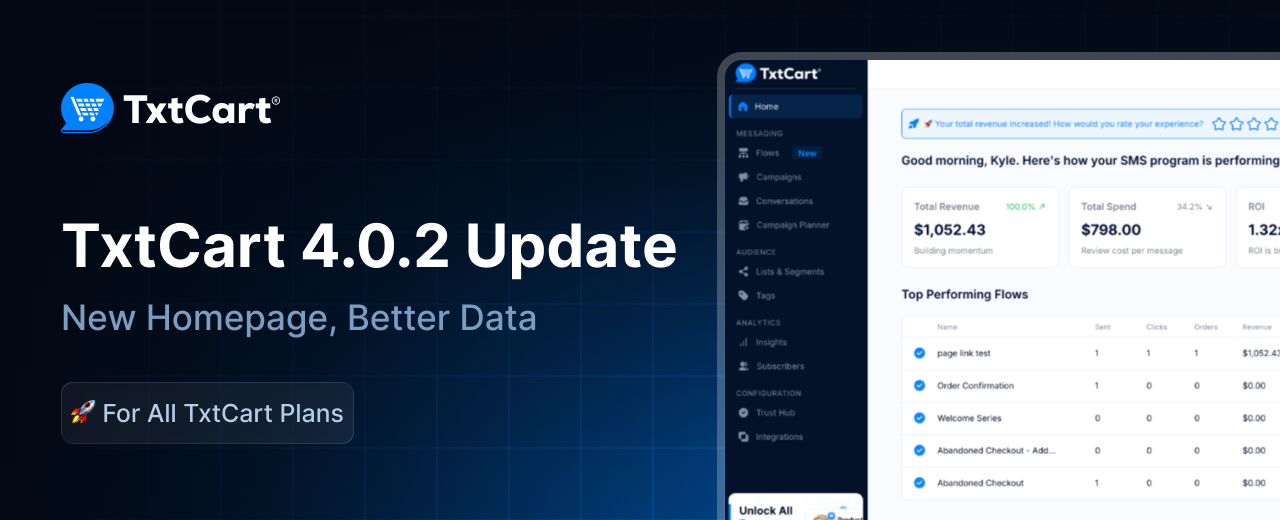
Version 4.0.2 Platform Updates
🎉 02/20/26 - We're making the small things faster, and the flexible things more powerful.
Not every release needs to solve an industry-wide problem. Sometimes the best thing you can ship is the thing that stops you from losing five minutes every time you log in. Version 4.0.2 is that release. We cleaned up your dashboard, added a brand new homepage, unlocked a long-requested link type in flows, and gave you the ability to remove tags automatically, because subscriber data should stay as accurate as the campaigns you build with it.
Updates:
New Feature: Link to Any Page on Your Store from SMS Flows
Short links in TxtCart flows have always worked well for products, discounts, and cart recovery. But what about collection pages, blog posts, or seasonal landing pages? Until now, those were out of reach.
Page Links are a new short link type in the flow editor. Select "Page Link" from the link type drop down, enter the path to any page on your store, and you're done. Your store domain is pre-filled, so just add the path like collections/summer-sale or leave it blank to point straight to your homepage.
Every Page Link comes with a branded short URL, full click tracking, and UTM parameters, consistent with your existing link types. No setup needed. Open your flow editor and you will find Page Link alongside your current options.

New Feature: Automatically Remove Tags During Flows
Tag management has always been one-directional in TxtCart. You could add tags during a flow, but removing them required manual work. That meant labels like "New Subscriber" or "At Risk" lingered long after they stopped being accurate, quietly degrading your segment quality.
Remove Tag is now available as a flow node. Drop it into any flow to automatically clean up subscriber tags as customers progress through a journey. Finished your welcome series? Strip the "New Subscriber" tag. Converted a win back subscriber? Remove the "At Risk" label. If a subscriber does not have the tag, the step is skipped and the flow continues without interruption.
You will find Remove Tag in the flow builder node picker under Actions, right below Add Tag. No setup required.

Improvement: New Homepage
The TxtCart dashboard has been rebuilt from the ground up. A cleaner design, smarter data, and everything you need to take action the moment you log in.
The new homepage puts your most important metrics front and center, with contextual insight cards that do more than display numbers. They tell you what those numbers mean and what to do next. Filter everything by a specific date range using the new calendar widget so you can zero in on a campaign window, a product launch, or any period that matters to your business.
The new Recommended Next Steps section guides you toward SMS best practices without requiring you to go looking for them. Whether you are setting up your first flow, optimizing an existing campaign, or filling a gap in your subscriber journey, TxtCart surfaces the right guidance at the right time so nothing important falls through the cracks.
No more discovering issues one at a time. If anything on your account needs attention, whether it is a compliance requirement, a configuration update, or a plan change, it is visible the moment you arrive. Every notification is stacked by urgency and actionable from the same screen.

As always, thanks for being part of the TxtCart journey 💙
Your feedback fuels every release, and there's more coming soon 👀